Image component

Use the Image component to upload and size images for display in the report. The Image component allows a GIF, JPG or PNG image to be uploaded into RC-Reporter's repository of gallery images, for example, a company logo or picture of a building. When an image is uploaded, it can be used in multiple reports. There is no need to upload it again. Uploaded images appear in the Gallery.
The Image component scales images to fit the presentation area, preserving the image's aspect ratio, and centers it within the component boundaries.
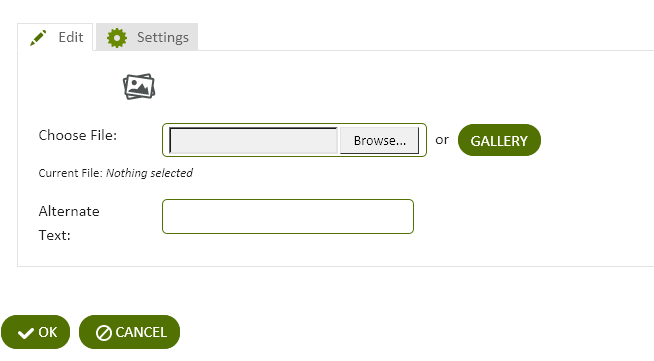
Figure: Image component
Use the following steps to add an image to a report:
- Add an Image component to a report and click the component's Edit
 icon in the component's banner.
 - Click Edit in the menu.
- On the Edit tab of the Edit Image Component page, in the Choose File box, browse to an image file and click OK.
— or —
Click Gallery and choose an image file that has already been uploaded to the RC-Reporter server.
- In the Alternate Text box, type a description for the image.
- Click OK.
© 2019 Reliable Controls Corporation. All rights reserved. Published October 29, 2019